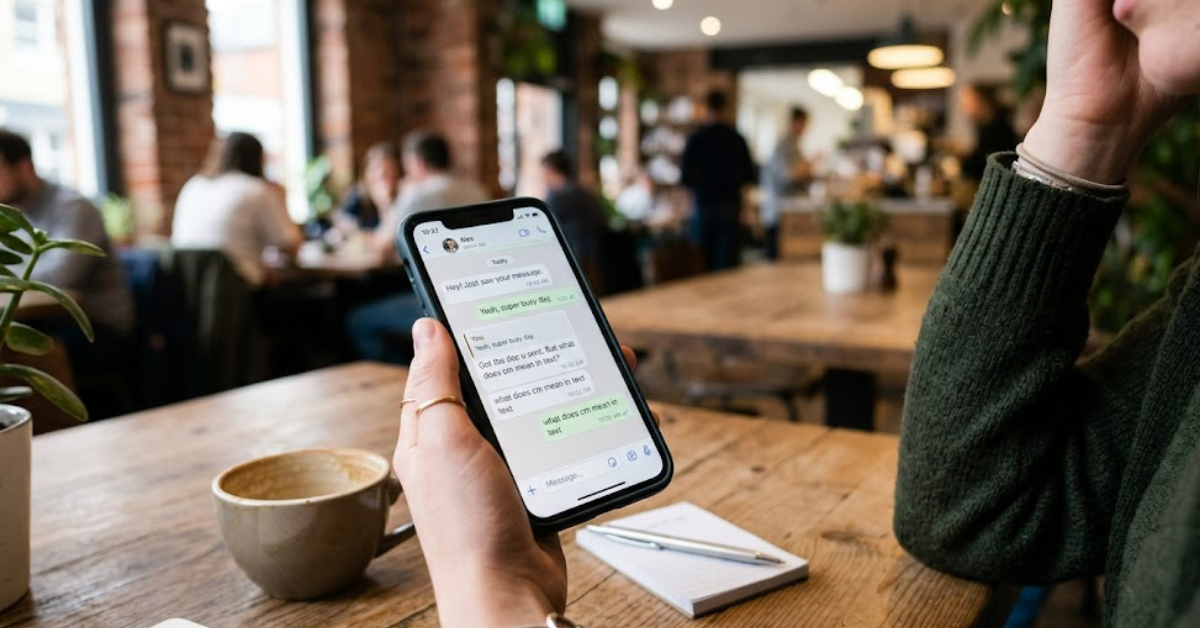
You’ve probably seen them countless times—tiny links shared through text messages, social media posts, emails, or online ads. Instead of showing a full website address, they appear as shortened or compressed links using services like Bitly or TinyURL. At first glance, they seem harmless and convenient. But the real question is: how should you approach a compressed URL?
The answer matters more than most people realize. Cybercriminals frequently use shortened links to hide dangerous websites, phishing pages, malware downloads, or scam content. Since compressed URLs disguise the actual destination, users often click them without knowing where they’ll end up.
In this guide, we’ll break down how should you approach a compressed URL?, why compressed links exist, the security risks involved, and the safest ways to handle shortened URLs online.
What Is a Compressed URL?
A compressed URL, also called a shortened URL, is a condensed version of a longer web address.
Instead of displaying a full link like:
https://www.examplewebsite.com/articles/security/how-to-protect-yourself-online…it becomes something shorter such as:
https://bit.ly/4xYz12These links are created using URL-shortening services designed to make web addresses:
- Easier to share
- Cleaner in appearance
- Better for social media
- Simpler for tracking clicks
Why Are Compressed URLs Used?
Compressed URLs are not automatically dangerous. In fact, they’re commonly used by businesses, marketers, and content creators.
Legitimate Reasons for URL Compression
Easier Sharing
Long URLs can look messy in:
- Text messages
- Social media posts
- Printed materials
Short links are easier to manage.
Character Limits
Platforms like X (formerly Twitter) historically encouraged shorter links because of character restrictions.
Marketing and Analytics
Businesses often use compressed URLs to:
- Track clicks
- Monitor campaigns
- Analyze traffic sources
Cleaner Appearance
Shortened links simply look more organized and professional in many situations.
How Should You Approach a Compressed URL?
Now to the most important part.
The safest approach is simple: treat every compressed URL cautiously until verified.
Because shortened links hide their final destination, users should never click blindly.
Best Practices for Handling Compressed URLs
Verify the Source First
Always ask yourself:
- Who sent the link?
- Do you trust them?
- Was the message expected?
Even trusted accounts can become compromised.
If a friend suddenly sends:
- Strange promotions
- Urgent warnings
- Random downloads
…the account may have been hacked.
Preview the Destination URL
Many URL shortening services allow previewing the final destination before opening it.
Some browser tools and websites can expand shortened links safely.
This helps reveal whether the link redirects to:
- A legitimate website
- A suspicious domain
- A phishing page
Avoid Clicking Unknown Links in Emails
Phishing attacks commonly rely on compressed URLs.
Scammers disguise malicious websites to:
- Steal passwords
- Collect banking information
- Install malware
If an email creates urgency or panic, slow down before clicking anything.
Look for Suspicious Context
Compressed URLs become especially risky when combined with:
- “Urgent” messages
- Prize claims
- Fake account alerts
- Financial warnings
- Security scare tactics
Cybercriminals use emotional pressure to encourage impulsive clicks.
Common Risks of Compressed URLs
Understanding the risks helps explain how should you approach a compressed URL? carefully.
Major Security Risks
Phishing Attacks
The biggest danger is phishing.
Attackers create fake login pages that mimic:
- Banks
- Social media platforms
- Online stores
- Email providers
Once users enter credentials, attackers steal the information.
Malware Downloads
Some compressed URLs redirect users to:
- Fake software installers
- Virus-infected downloads
- Spyware
- Ransomware
A single click can compromise an entire device.
Scam Websites
Scammers often hide:
- Fake giveaways
- Investment scams
- Crypto fraud
- Tech support scams
behind shortened links.
Tracking and Privacy Concerns
Certain shortened URLs collect:
- IP addresses
- Device information
- Geographic location
- User behavior data
Not all tracking is malicious, but privacy concerns still matter.
How Cybercriminals Use Compressed URLs
Attackers love compressed links because they hide suspicious domains.
Common Tactics
Fake Customer Support Messages
Users receive fake alerts claiming:
- Account suspension
- Payment failure
- Security verification requests
The compressed URL hides the scam website.
Social Media Scams
Hackers often spread malicious links through:
- Direct messages
- Fake giveaways
- Viral posts
SMS Phishing (Smishing)
Text-message scams increasingly rely on shortened URLs because mobile users are less likely to inspect links carefully.
Safe Ways to Check a Compressed URL
If you’re unsure about a link, don’t panic. There are several safe ways to investigate it.
Methods to Verify Links Safely
Use URL Expansion Services
Some online tools reveal the original destination without opening the site.
These tools help users inspect where a link leads safely.
Hover Over the Link
On desktop devices, hovering your mouse over a link sometimes reveals the destination URL.
Use Browser Security Features
Modern browsers often warn users about:
- Dangerous sites
- Malware
- Phishing attempts
Keep browser protection enabled.
Scan Links With Security Tools
Some cybersecurity services allow URL scanning before visiting a page.
These tools check for:
- Malware
- Blacklisted domains
- Phishing activity
Signs a Compressed URL May Be Dangerous
Not every shortened link is harmful, but certain warning signs deserve attention.
Red Flags Include
- Unsolicited messages
- Poor grammar or spelling
- Extreme urgency
- Unknown senders
- Promises of money or prizes
- Requests for passwords or payment information
If something feels suspicious, trust your instincts.
How Businesses Use Compressed URLs Safely
Legitimate organizations use shortened links responsibly.
Safe Business Practices Include
Branded Short Domains
Companies often create branded short links to increase trust.
Example:
- nyti.ms for The New York Times
- amzn.to for Amazon campaigns
HTTPS Security
Secure shortened links should still redirect to HTTPS websites.
Transparent Communication
Professional businesses explain:
- Why the link was shared
- What users should expect after clicking
Mobile Devices and Compressed URL Risks
Smartphones make shortened links even more dangerous because mobile screens show less information.
Why Mobile Users Are More Vulnerable
- Harder to inspect URLs
- Faster clicking habits
- Smaller browser previews
- Increased SMS phishing attacks
Always double-check suspicious mobile messages before tapping links.
Best Cybersecurity Habits for Everyday Browsing
Knowing how should you approach a compressed URL is just one part of staying safe online.
Good Security Habits Include
Use Strong Passwords
Unique passwords reduce damage if accounts become compromised.
Enable Two-Factor Authentication
Extra verification improves account security significantly.
Keep Software Updated
Updates patch security vulnerabilities regularly.
Use Antivirus Protection
Reliable security software helps block malicious websites and downloads.
Stay Skeptical Online
Not every message, offer, or alert is legitimate.
Healthy caution prevents many cyberattacks.
FAQs About Compressed URLs
How should you approach a compressed URL?
You should approach compressed URLs cautiously by verifying the source, previewing the destination, and avoiding suspicious links.
Are compressed URLs dangerous?
Not always. Many are legitimate, but attackers frequently use them to hide malicious websites.
Why do scammers use shortened links?
Compressed URLs hide the final destination, making phishing and malware attacks easier to disguise.
Can shortened URLs contain viruses?
Yes. Some redirect users to malware downloads or infected websites.
How can I check a compressed URL safely?
Use URL expansion tools, hover previews, browser security warnings, or link scanners before clicking.
Are Bitly links safe?
Many Bitly links are safe, but attackers can also misuse URL-shortening services. Always verify the destination first.
Conclusion
Understanding how should you approach a compressed URL is an important part of modern online safety. While shortened links are widely used for convenience and marketing, they can also hide dangerous destinations designed to steal information, spread malware, or trick unsuspecting users.
The safest approach is simple: never click blindly. Verify the sender, preview the destination whenever possible, and stay alert for suspicious messages or unusual behavior. A few extra seconds of caution can prevent major cybersecurity problems later.
As phishing attacks and online scams continue evolving, developing smart browsing habits is one of the best ways to protect your personal information, devices, and online accounts.